





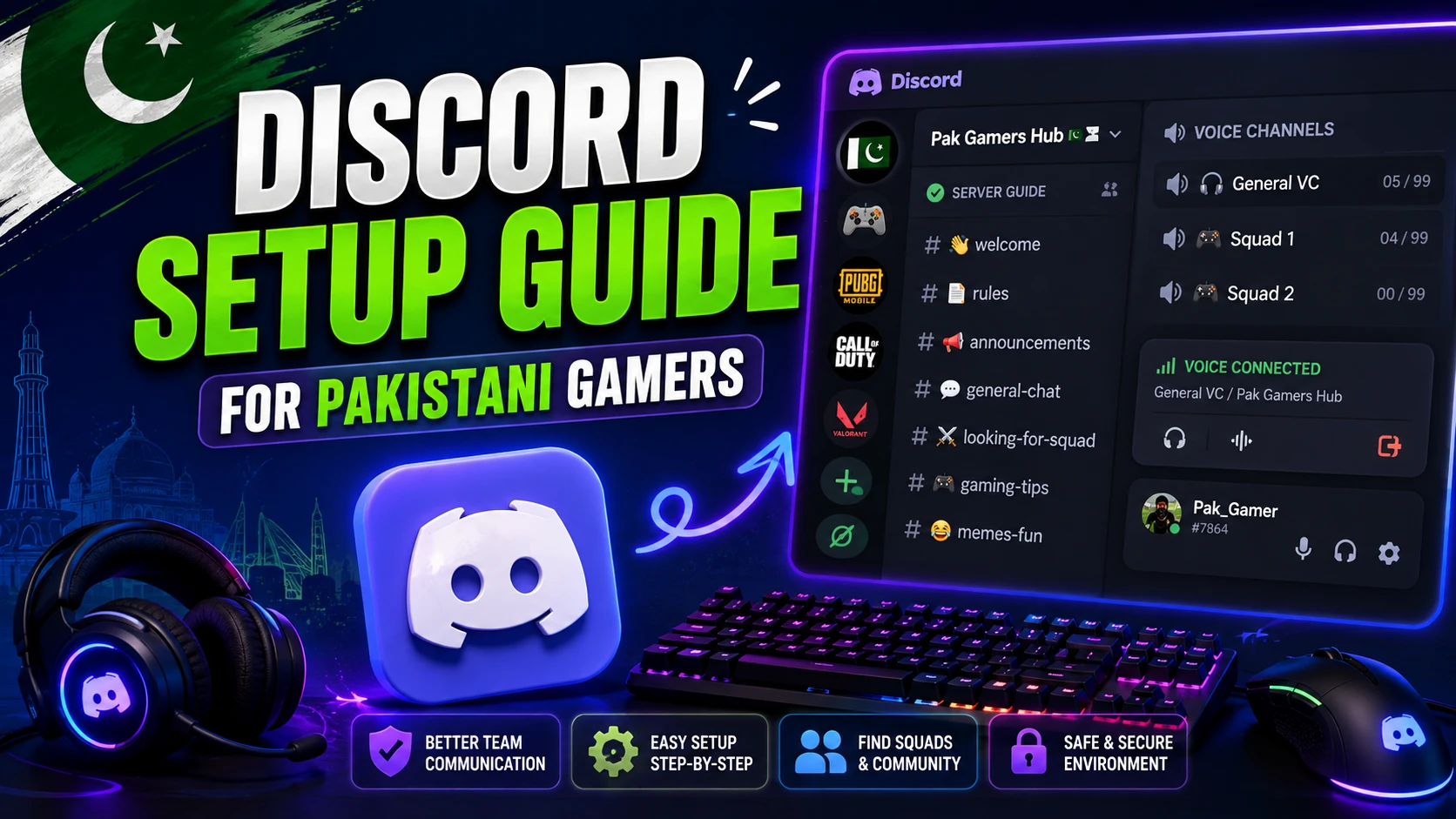
If you’ve ever tried to coordinate a PUBG squad over regular voice call, you know the pain, dropped calls, bad audio, and no way to organise your team. There’s a reason serious gamers everywhere use Discord instead. It’s basically the clubhouse of modern gaming.
So if you’re a Pakistani gamer who hasn’t set it up yet, this guide walks you through everything, what Discord is, how to set it up, how to create a server, and how to use bots and voice chat to level up your gaming.
What Is Discord?
Discord is a free communication app built for communities, and gamers especially love it. Think of it as a mix of group chat, voice call, and community hub, all in one place.
You can text, talk over crystal-clear voice channels, share your screen, and join servers dedicated to your favourite games. Whether you want to coordinate a ranked squad or just hang out with fellow gamers, Discord is where it happens.
Why Gamers Love Discord
So what makes it the go-to for gaming? A few big reasons:
- Low-latency voice: Clear, stable voice chat during matches.
- Organised servers: Separate channels for different topics and games.
- Free to use: All the core features cost nothing.
- Communities: Join servers for any game or interest.
- Bots: Add music, moderation, games, and more.
- Cross-platform: Works on phone, PC, and browser.
So it’s not just chat, it’s a full toolkit for building and running a gaming community.
How to Get Started With Discord
Setting up is quick and free. So here’s how:
- First, download Discord from your app store or visit the website.
- Then, sign up with your email and create a username.
- Next, verify your account through the confirmation email.
- After that, set your profile picture and display name.
- Finally, you’re ready to join or create servers.
That’s it, you’re on Discord. The whole thing takes just a few minutes.
How to Join a Server
Servers are where communities live. So here’s how to join one:
- Use an invite link: Most servers share a link you simply click.
- Explore public servers: Use Discord’s Explore feature to find communities.
- Ask your friends: They can send you an invite to their server.
Once you join, you’ll see different channels, some for text, some for voice. Just click a voice channel to jump in and start talking.
How to Create Your Own Server
Want to build your own squad hub? It’s easy. So here’s how:
- First, tap the plus (+) icon on the server list.
- Then, select “Create My Own.”
- Next, name your server and add an icon.
- After that, create channels for different topics or games.
- Finally, invite your friends using the invite link.
So in minutes, you can have a dedicated space for your PUBG or Free Fire squad, with separate channels for strategy, general chat, and voice.
Useful Bots to Add
Bots are what make Discord powerful. They’re automated helpers that add features. So here are some popular types:
- Music bots: Play music in voice channels while you game.
- Moderation bots: Automatically manage spam and rule-breakers.
- Game bots: Track stats, ranks, and even mini-games.
- Welcome bots: Greet new members automatically.
- Poll bots: Run votes and organise events.
So even a small server feels professional and organised once you add a couple of helpful bots.
Voice Chat Tips for Gaming
Good voice communication wins games. So here’s how to get the most out of it:
- Use push-to-talk: Avoid broadcasting background noise.
- Wear a headset: Better audio and no echo for your team.
- Create role-based channels: Separate squads keep comms clean.
- Keep callouts clear: Short, clear info beats constant chatter.
- Check your mic settings: Test audio before an important match.
Clear communication genuinely wins more matches than raw skill, exactly the point we made in our PUBG Mobile tournament guide, where teamwork separates the best squads from the rest.
Discord for Building a Gaming Community
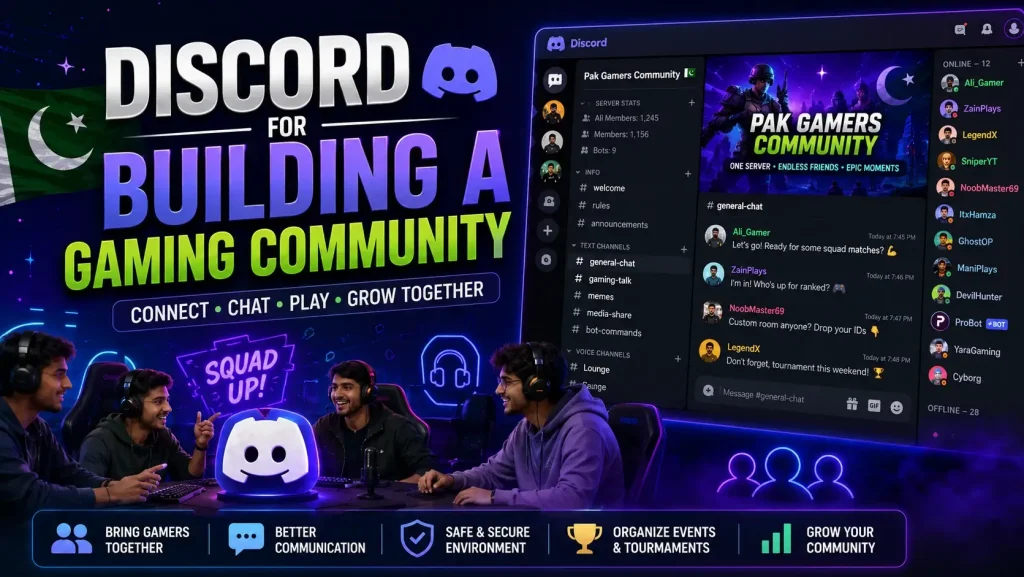
Beyond squads, Discord is perfect for building a real community. Many Pakistani gaming groups, esports teams, and gaming cafes run active Discord servers.
So if you’re into competitive play, joining these servers helps you find teammates, learn from better players, and hear about tournaments. It ties right into the local scene we explored in our guide to the best gaming cafes in Karachi, Lahore, and Islamabad, many of which have their own communities.
Frequently Asked Questions
Is Discord free to use?
Yes, all the core features, text, voice, servers, and joining communities, are completely free.
Do I need Discord for gaming?
It’s not required, but it makes team coordination, voice chat, and community-building far easier.
Can I use Discord on my phone?
Yes. Discord works on Android, iOS, PC, and in your browser, with your account syncing across all of them.
What are Discord bots?
Bots are automated helpers you add to a server for features like music, moderation, stats, and mini-games.
How do I create a gaming server?
Tap the plus icon, choose “Create My Own,” name it, add channels, and invite your friends.
Is push-to-talk better than open mic?
For gaming, usually yes. It avoids broadcasting background noise and keeps team comms clean.
Final Thoughts
Discord has become an essential tool for gamers, and for good reason. Whether you’re coordinating a ranked squad, building a community, or just hanging out with friends, it brings everything together in one free, easy app.
So set up your account, join a few servers, create your own squad hub, and add a couple of helpful bots. Once you experience organised voice chat and a proper community, you’ll wonder how you gamed without it.
For more guides, tips, and gaming culture, explore the rest of GameApp.pk, including our PUBG Mobile tournament guide and our roundup of the best gaming cafes in Pakistan.

One thought on “Discord Setup Guide for Pakistani Gamers”