








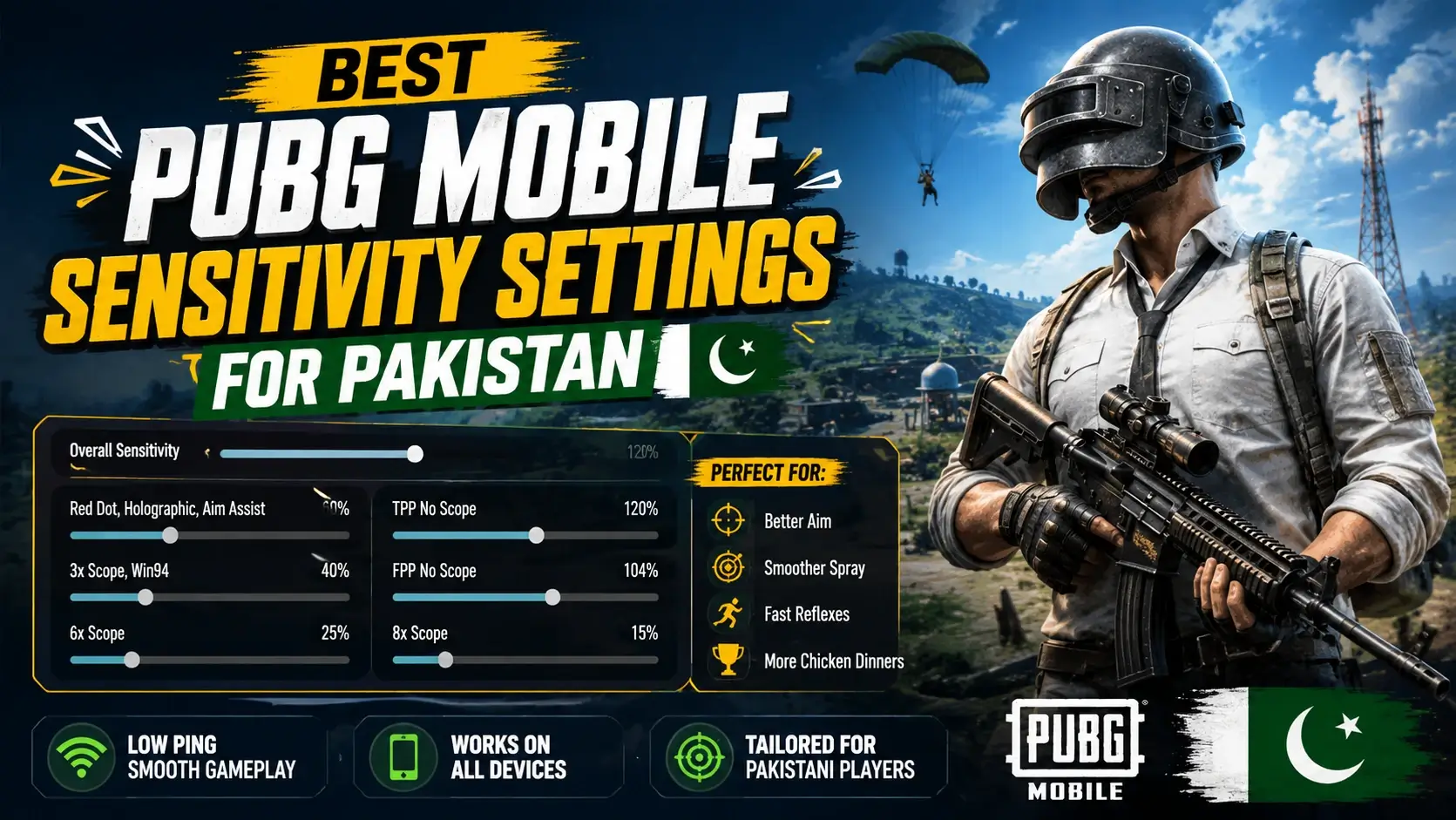
Here’s a truth every PUBG player learns the hard way: you can have lightning reflexes and still lose fights if your sensitivity is wrong. Your spray goes everywhere, your scope drags, and enemies melt you before you can react. Sound familiar?
The fix isn’t more hours of grinding, it’s better settings. The right sensitivity and control setup can transform your gameplay, helping you control recoil and track targets smoothly. So let’s dial in the best PUBG Mobile settings for Pakistani players, on any phone.
Why Sensitivity Matters So Much
Think of sensitivity as the foundation of your aim. Too high, and your screen whips around uncontrollably. Too low, and you can’t turn fast enough in close fights.
Get it right, and everything clicks, your recoil control improves, your tracking gets smoother, and those frustrating “how did I miss that?” moments start disappearing. So before grinding more matches, spend ten minutes here. It’s the highest-value improvement you can make, exactly like we explained in our Free Fire Max settings guide.
Understanding the Sensitivity Types
PUBG Mobile has several sensitivity settings, and each does something different. So here’s what they control:
- Camera sensitivity: Free-look and general camera movement (not aiming).
- ADS sensitivity: Aiming down sights, this controls your recoil handling.
- Gyroscope sensitivity: Motion controls using your phone’s movement.
The most important for gunfights is ADS (Aim Down Sights) sensitivity, since it directly affects how you control recoil while shooting. So that’s where to focus most.
Recommended Camera Sensitivity
These control how fast your view moves when not aiming. Treat them as a strong starting point:
| Scope | Suggested Value |
|---|---|
| TPP (no scope) | 100 – 120% |
| FPP (no scope) | 100 – 120% |
| Red Dot / Holo | 50 – 60% |
| 2x Scope | 40 – 50% |
| 3x Scope | 25 – 35% |
| 4x Scope | 20 – 25% |
Recommended ADS Sensitivity
This is the crucial one for recoil control while firing:
| Scope | Suggested Value |
|---|---|
| Red Dot / Holo | 50 – 60% |
| 2x Scope | 30 – 40% |
| 3x Scope | 20 – 30% |
| 4x Scope | 15 – 20% |
| 6x Scope | 8 – 12% |
[Image placeholder: PUBG Mobile sensitivity settings screen]
A quick note: these are starting points, not magic numbers. Everyone’s thumbs and phone are different, so tweak gradually until it feels natural.
Should You Use Gyroscope?
Here’s a game-changer many players ignore: the gyroscope. It lets you control recoil and aim by physically moving your phone.
It feels strange at first, but once you get used to it, gyro dramatically improves your recoil control, especially for spraying. So try setting gyroscope to “Always On” and start with around 300% for scopes. Give it a week of practice; most players who stick with it never go back.
Control Setup (HUD) Tips
Your button layout matters as much as sensitivity. So here’s what the best players do:
- Use a 4-finger claw grip: Two thumbs, two index fingers. A real game-changer.
- Add extra fire buttons: Place them within easy reach.
- Keep peek buttons accessible: Lean-and-fire wins fights.
- Position jump and crouch well: Quick movement saves lives.
- Customise, don’t copy blindly: Adjust the layout to your hands.
The claw grip feels awkward for a day or two, but it lets you move, aim, and shoot at once, something two-thumb players simply can’t do.
Tips for Budget Phones
On a budget phone? You can still play smoothly. So keep these in mind:
- Lower your graphics: Smooth frame rate beats fancy visuals.
- Prioritise frame rate: Set it as high as your phone allows.
- Close background apps: Free up RAM before playing.
- Keep your phone cool: Overheating causes lag mid-fight.
If your phone still struggles, it may be time to upgrade, our guide to the best gaming phones under Rs.50,000 can help.
Practice Makes Permanent
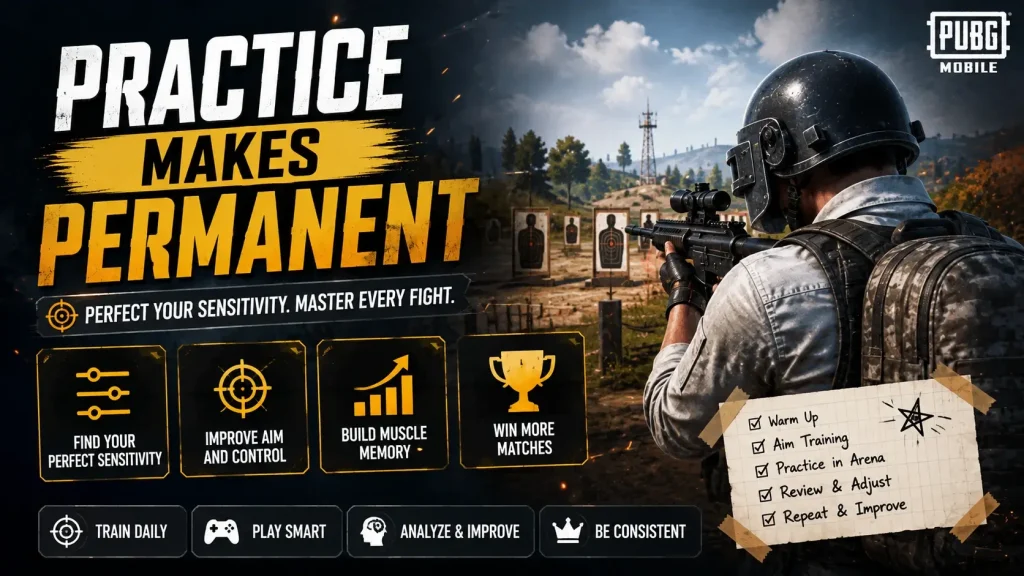
Settings get you started, but practice locks it in. So spend ten minutes in training mode before ranked matches, practise your spray on the wall, and adjust gradually. Give each change a few days before tweaking again, your muscle memory needs time to adapt.
Curious how PUBG stacks up against its biggest rival? Our PUBG Mobile vs COD Mobile comparison breaks it down.
Frequently Asked Questions
What is the best sensitivity for PUBG Mobile?
There’s no single “best”, it depends on your hands and phone. The values above are strong starting points to fine-tune from.
What is ADS sensitivity?
ADS (Aim Down Sights) sensitivity controls your aim and recoil while actively shooting. It’s the most important for gunfights.
Should I use the gyroscope?
Yes, most players recommend it. It greatly improves recoil control once you practise, though it takes getting used to.
Why can’t I control recoil?
Usually ADS sensitivity that’s too high or too low. Adjust it gradually, and consider using the gyroscope.
Do these settings work on budget phones?
Yes. Pair them with a high frame rate and lower graphics for the smoothest experience on budget devices.
How long until new settings feel natural?
Usually a few days to a week. Give your muscle memory time to adapt before making more changes.
Final Thoughts
Improving at PUBG Mobile isn’t just about playing more, it’s about playing smarter. Dial in your camera and ADS sensitivity, seriously consider the gyroscope, switch to a claw grip, and prioritise frame rate. Do those things, and you’ll notice tighter recoil control within a few matches.
Then it’s just practice. Give your settings time, tweak gradually, and let your muscle memory catch up. Before long, those sprays that used to fly everywhere will start landing right on target.
For more guides, tips, and reviews, explore the rest of GameApp.pk, including our Free Fire Max settings guide and our PUBG Mobile vs COD Mobile comparison.