









You’ve played a hundred matches, your reflexes are sharp, but somehow your aim still feels a little… off. Your shots drag behind enemies, or your camera whips too far when you flick. Sound familiar?
Here’s the thing most players don’t realise: it’s rarely your skill. It’s almost always your settings. The right sensitivity and control setup can transform your gameplay overnight, and the best part is, it costs nothing to fix.
So let’s dial in the best Free Fire Max settings for Pakistani players, whether you’re on a flagship or a budget phone.
Why Settings Matter So Much
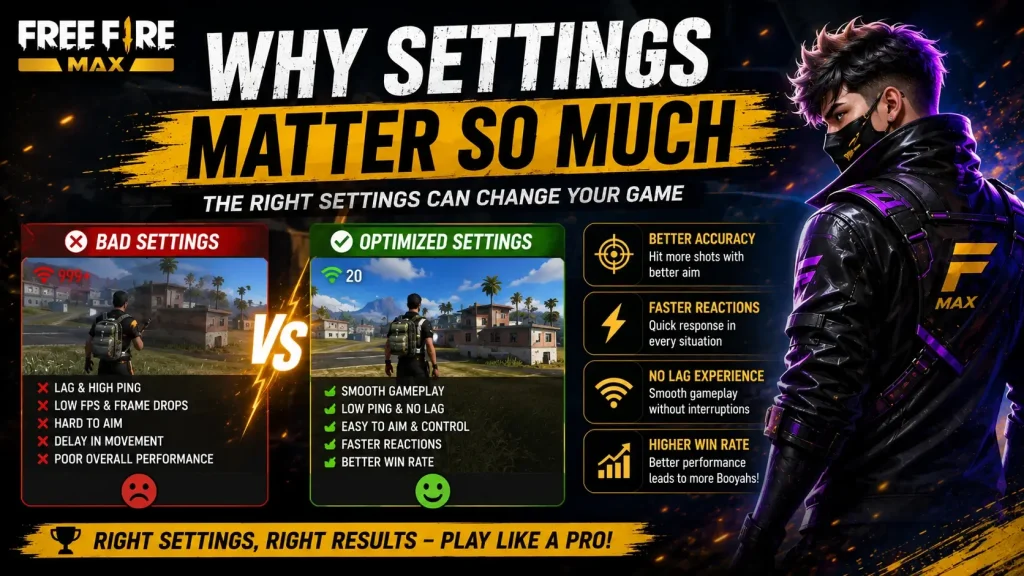
Think of settings as the foundation of your gameplay. No matter how good your reflexes are, bad sensitivity fights against you on every shot.
Get them right, and aiming feels natural. Your crosshair goes where you want, headshots come easier, and reacting to enemies feels smooth instead of clumsy. So before grinding for hours, spend ten minutes here. It’s the highest-value improvement you can make.
Best Sensitivity Settings
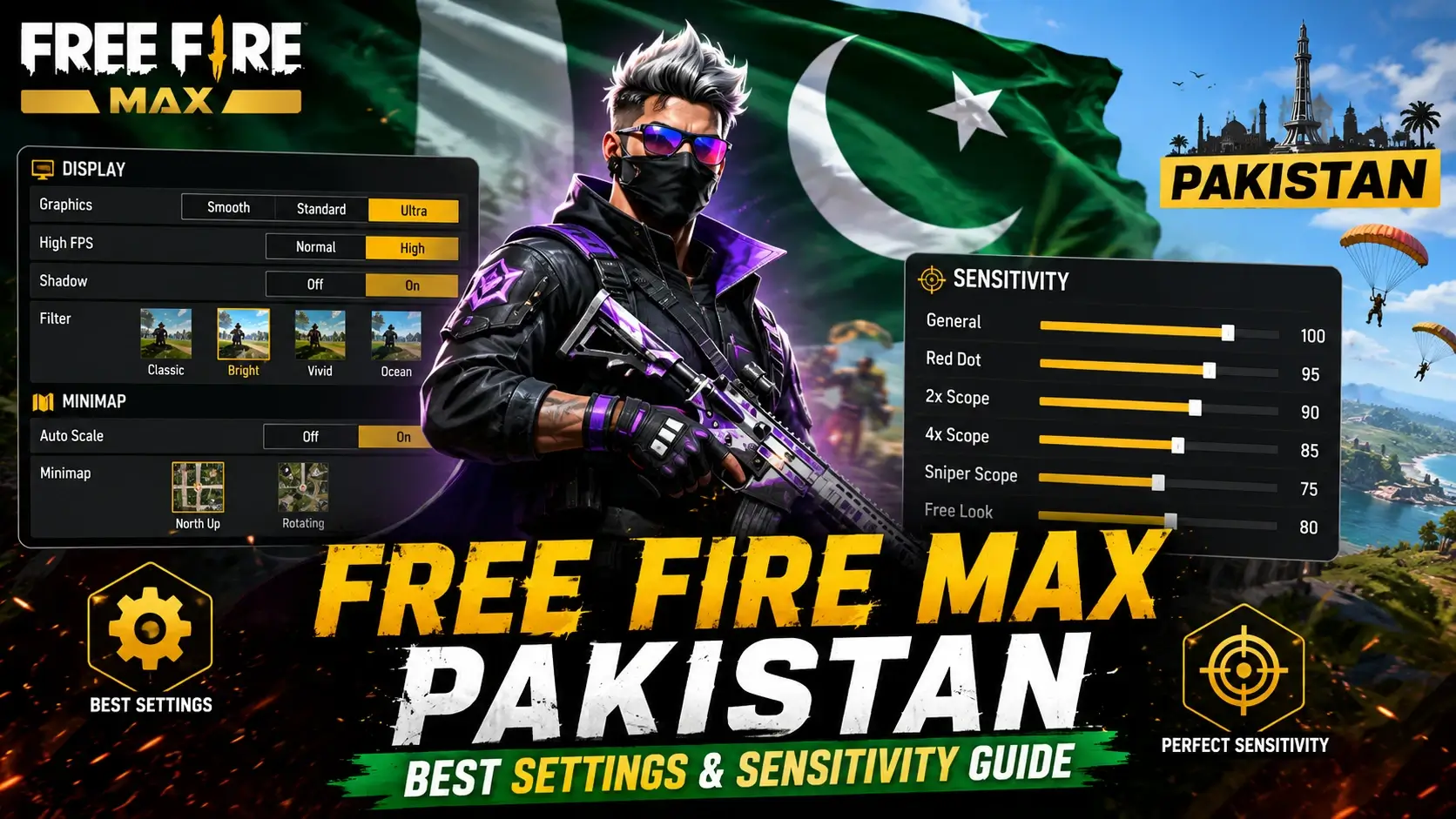
Let’s start with the most important part. These are balanced settings that work well for most players. Treat them as a strong starting point, then fine-tune.
| Setting | Recommended Value |
| General | 90 – 100 |
| Red Dot | 80 – 90 |
| 2x Scope | 75 – 85 |
| 4x Scope | 65 – 75 |
| Sniper Scope | 55 – 65 |
| Free Look | 70 – 80 |
[Image placeholder: Free Fire Max sensitivity settings screen]
A quick note: higher sensitivity means faster camera movement but less precision. Lower means more control but slower turns. So if your aim feels shaky, lower it slightly. If you feel too slow in close fights, raise it.
Best Control Setup (HUD)
Your button layout matters as much as sensitivity. So here’s what the best players do:
- Use a 4-finger claw grip: Two thumbs, two index fingers. It’s a game-changer.
- Place the fire button within easy reach: Ideally near your index finger.
- Add a second fire button: One for thumb, one for index.
- Keep jump and crouch accessible: Quick movement wins close fights.
- Enable the scope/aim button separately: Don’t rely only on auto-aim.
The claw grip feels awkward for the first day or two, but stick with it. It lets you move, aim, and shoot at the same time, something two-thumb players simply can’t do.
Graphics Settings for Smooth Play
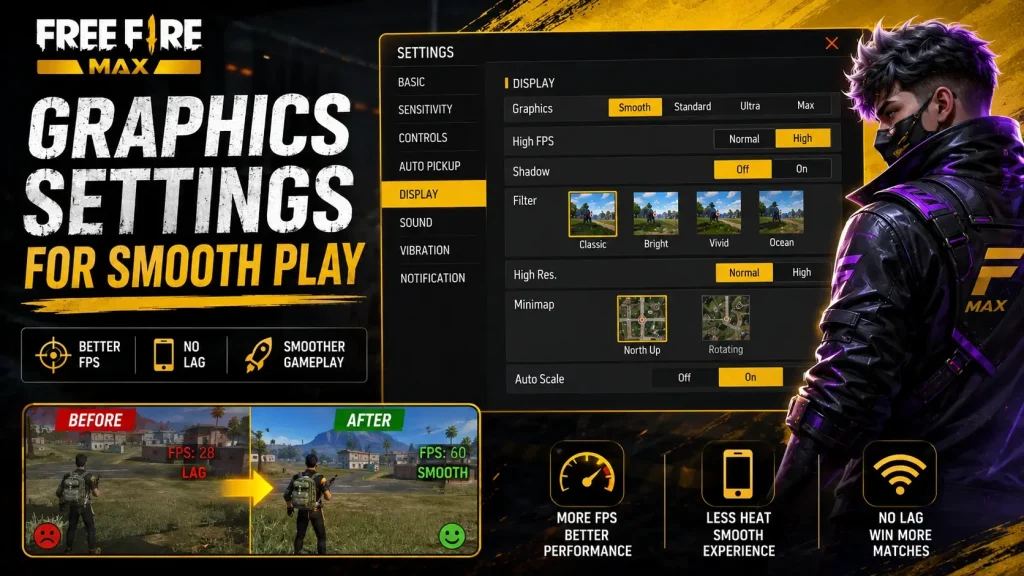
Free Fire Max looks great, but smooth gameplay beats pretty visuals in a fight. So here’s how to balance it.
For high-end phones:
- Graphics: Ultra or High
- Frame rate: High or Ultra
- Everything smooth at max visuals
For mid-range phones:
- Graphics: High
- Frame rate: High
- Turn off shadows for a few extra frames
For budget phones:
- Graphics: Standard or Smooth
- Frame rate: High (prioritise FPS over looks)
- Shadows off, effects low
Remember, a higher frame rate always beats fancier graphics in a shooter. So if you must choose, choose smoothness.
If your phone genuinely can’t keep up no matter the settings, it might be time to think bigger. We covered affordable options in our budget gaming PC build guide, and lighter alternatives in our top free mobile games roundup.
Audio Settings: The Secret Weapon
Most players ignore this, and it’s a huge mistake. So don’t skip it.
Good audio tells you where enemies are before you see them, footsteps, reloads, vehicles. So always play with earphones, and keep the in-game sound reasonably high. In a close match, hearing an enemy sneak up behind you is often the difference between winning and losing.
Practice Tips to Improve Fast
Settings get you started, but practice locks it in. So here’s how to improve quickly:
- Warm up in training mode: Ten minutes before ranked matches.
- Practise flicking: Snap your crosshair to targets repeatedly.
- Master one weapon first: Learn its recoil before switching around.
- Watch your replays: Spot the mistakes you keep repeating.
- Play with a fixed squad: Coordination beats raw aim.
Honestly, ten focused minutes of aim practice daily beats hours of aimless matches.
Common Mistakes to Avoid
A few habits that hold players back:
- Copying pro settings blindly: Their setup suits their hands, not yours.
- Changing settings too often: Give each setup a few days to adjust.
- Ignoring the claw grip: Two-thumb play has a hard ceiling.
- Maxing graphics on a weak phone: Frame drops cost you fights.
- Playing without sound: You’re giving up free information.
So tweak gradually, and give your muscle memory time to catch up.
Frequently Asked Questions
What is the best sensitivity for Free Fire Max?
Around 90–100 general sensitivity works for most players, but adjust it to feel natural for you.
Does Free Fire Max run on budget phones?
Yes. Use Standard graphics with a High frame rate for the smoothest experience on low-end devices.
Is claw grip really better than thumbs?
Yes. It lets you move, aim, and shoot at once, which two-thumb play can’t match.
Should I prioritise graphics or frame rate?
Frame rate. Smooth gameplay helps you win far more than prettier visuals.
Why does my aim feel shaky?
Usually sensitivity that’s too high. Lower it slightly until your aim feels controlled.
Do earphones actually help?
A lot. Hearing footsteps and reloads gives you a real advantage in close fights.
Final Thoughts
Improving at Free Fire Max isn’t about playing more, it’s about playing smarter. Dial in your sensitivity, switch to a claw grip, prioritise frame rate, and always play with sound. Do those four things, and you’ll notice the difference within a few matches.
Then it’s just practice. Give your settings a few days, tweak gradually, and let your muscle memory catch up. Before long, those shots that used to miss will start landing.
For more guides, tips, and honest reviews, explore the rest of GameApp.pk. And if you’re curious how Free Fire’s biggest rival compares, check out our PUBG Mobile vs COD Mobile breakdown.



One thought on “Free Fire Max Pakistan – Best Settings & Sensitivity Guide”